Surface Details
When adding surface details to you subdivided zremeshed model, it is best to create a new layer to hold our high resolution detail.
Layers
To create a new layer:
- Set model to highest level of subdivision.
- Navigate to layers in the Tool panel
- Press the plus button to create a new layer
- Press the record button on the new layer to record changes
Creating Surface Details
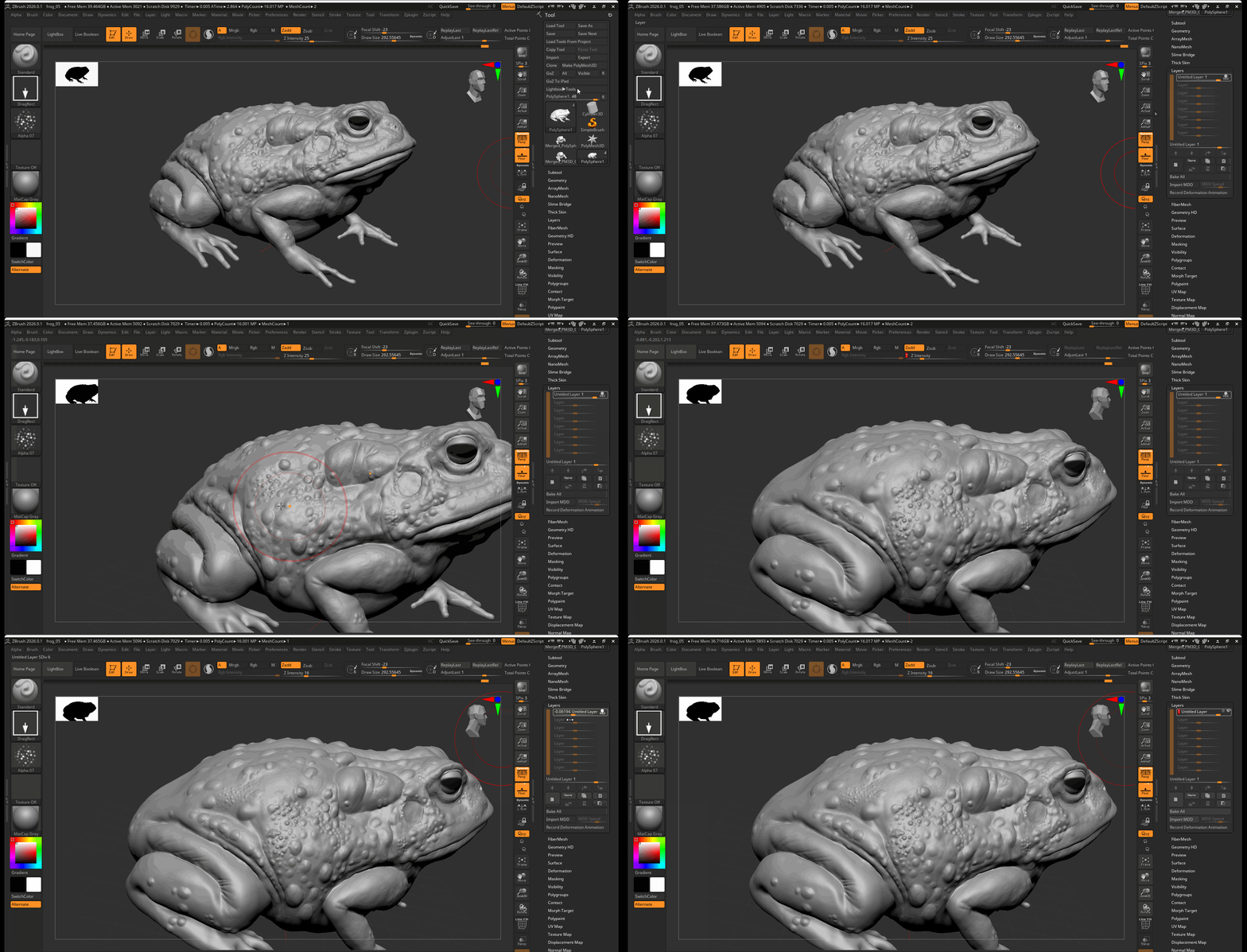
Creating surface details involves either using a Drag brush or Color Spray Brush along with an alpha. For this Toad example, I make use of Alpha 07 to add skin texture to the Toad.
To use a Drag bush:
- Set your brush to the Standard Brush
- Select your brush stroke and set it to DragRect
- Set your Alpha
- Click and drag on your model to create different size alpha stamps
- Adjust your Z Intensity to change the strength of your alpha stamp
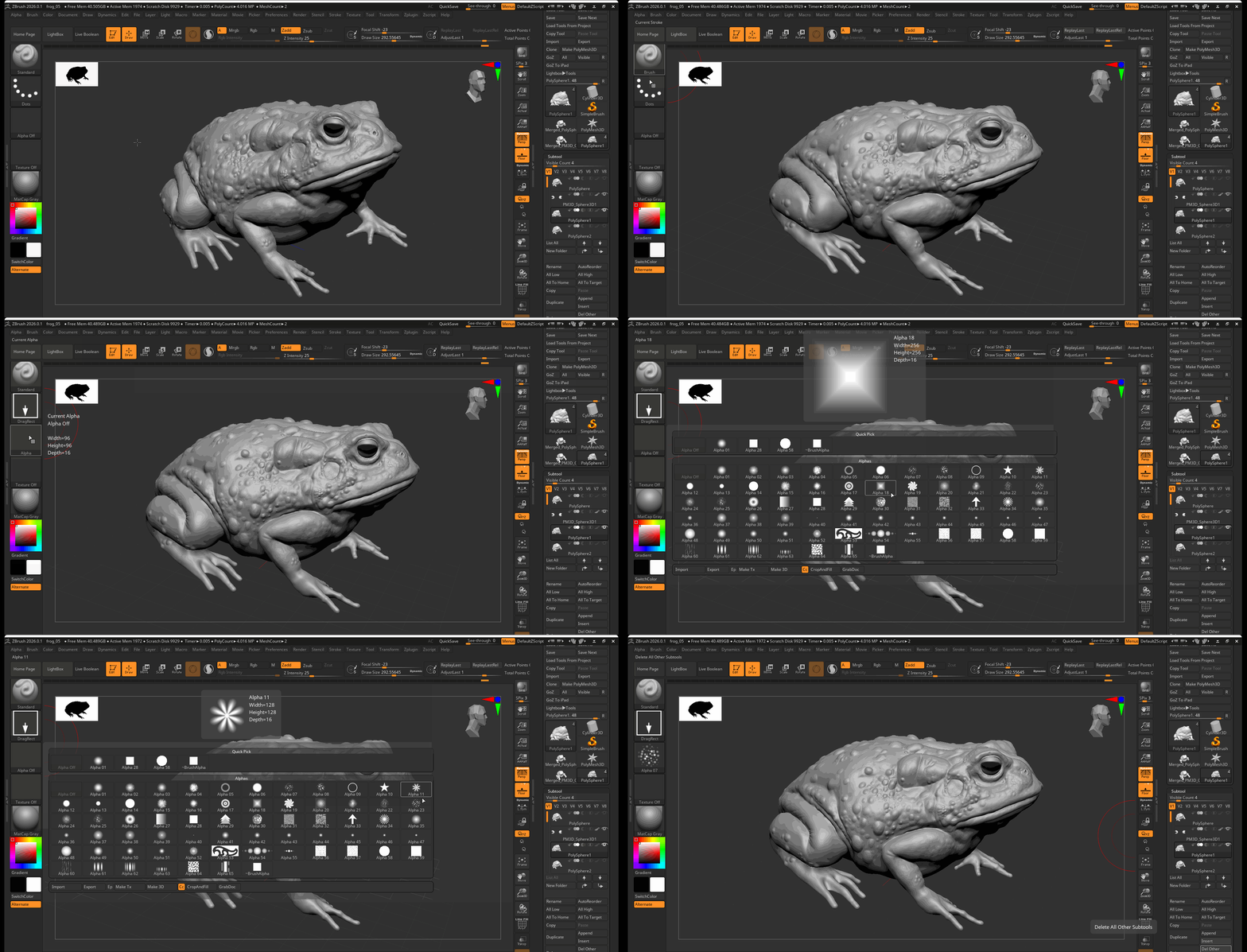
To use Color Spray:
- Set your brush to the Standard Brush.
- Select your brush stroke and set it to Color Spray.
- Set your Alpha.
- Click and drag on your to spray the alpha texture across your model.
- Adjust your Z Intensity to change the strength of your color spray
Additional Alphas
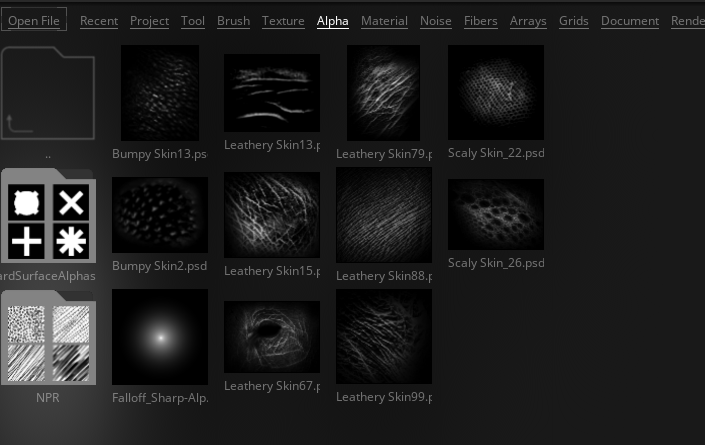
The lightbox contains a series of additional alphas under than alpha tab: