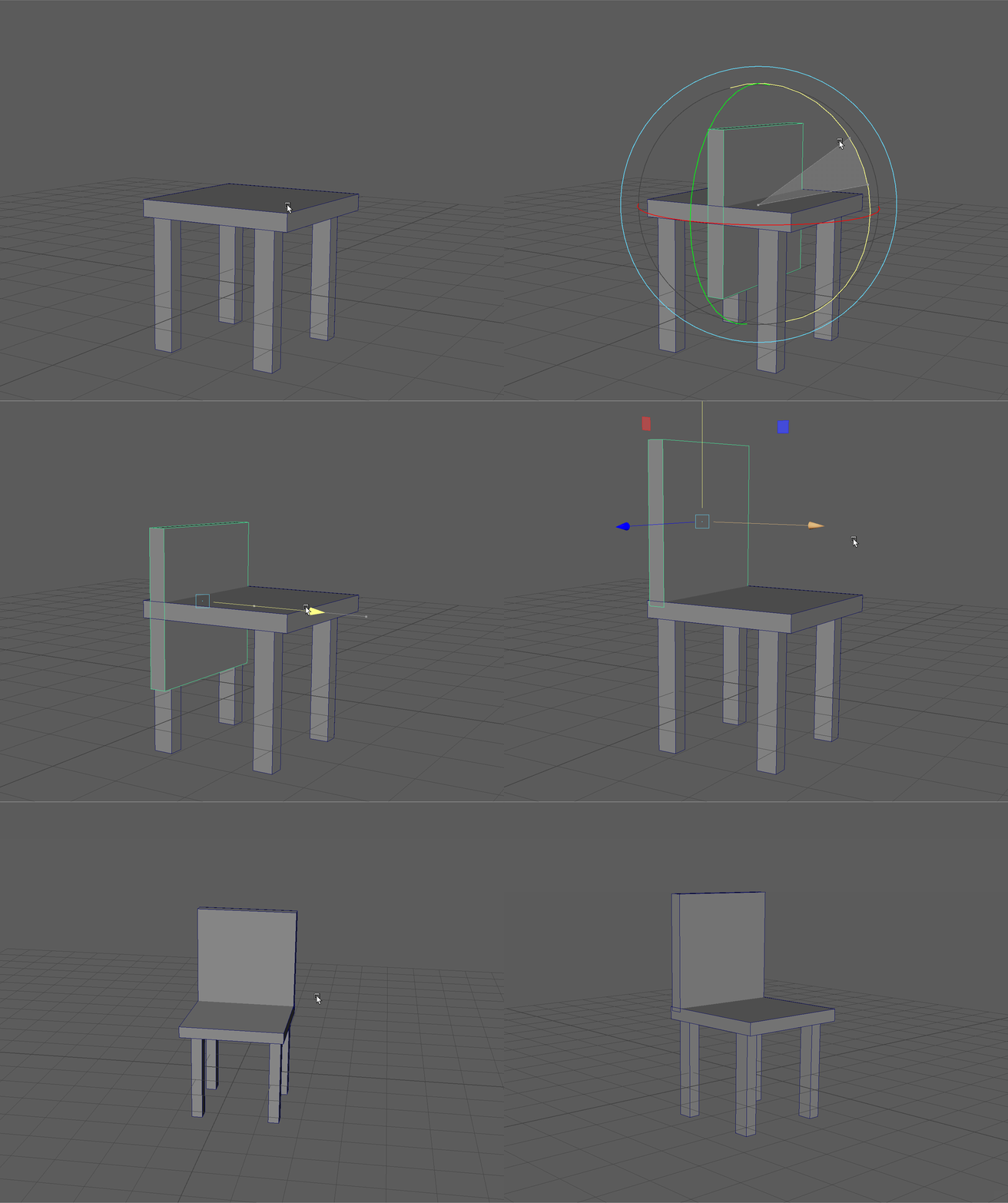
Modeling a Simple Chair
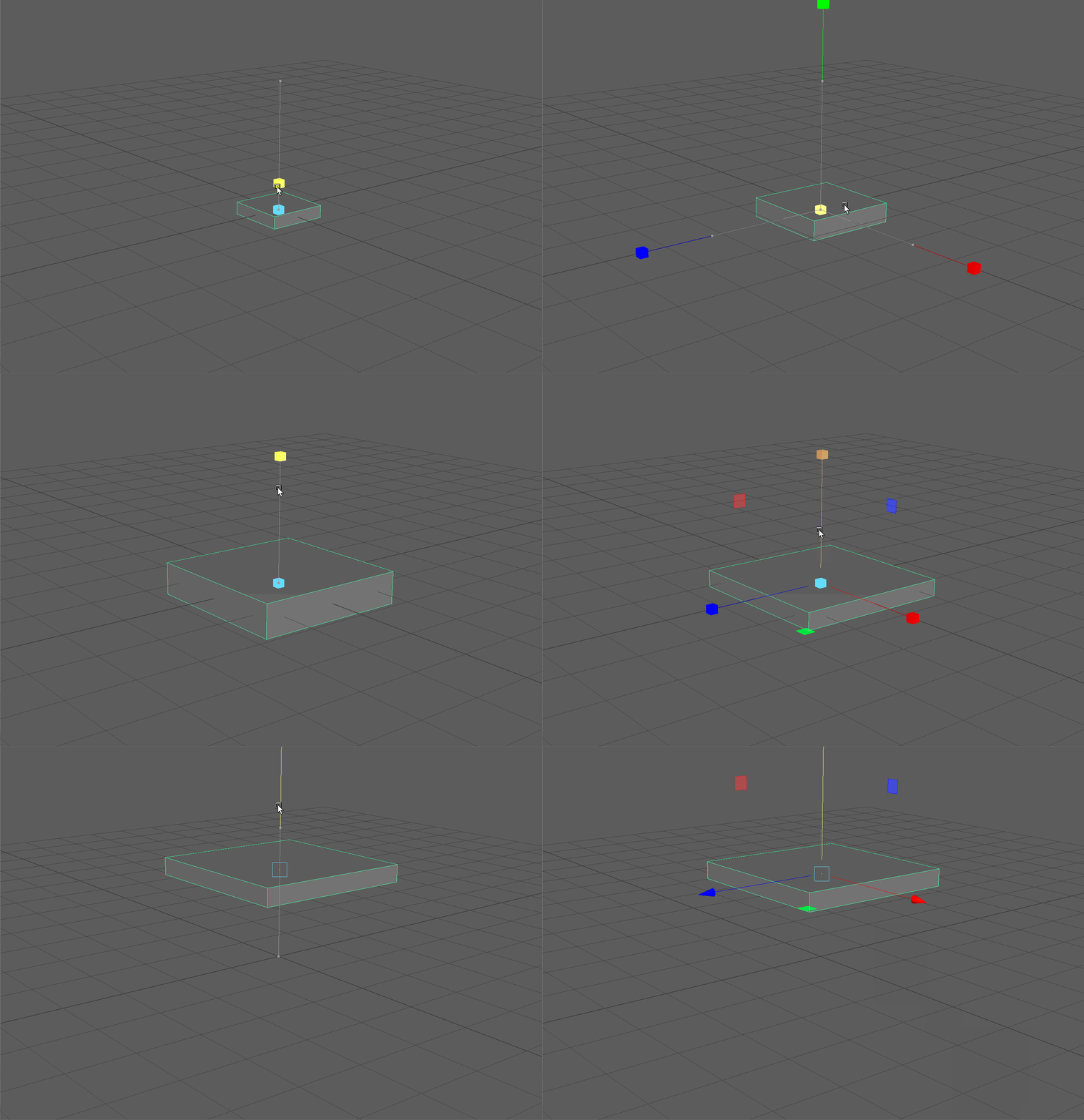
- Create a Cube and name it "base."
- Scale and Move the base object of your chair to become a seat.
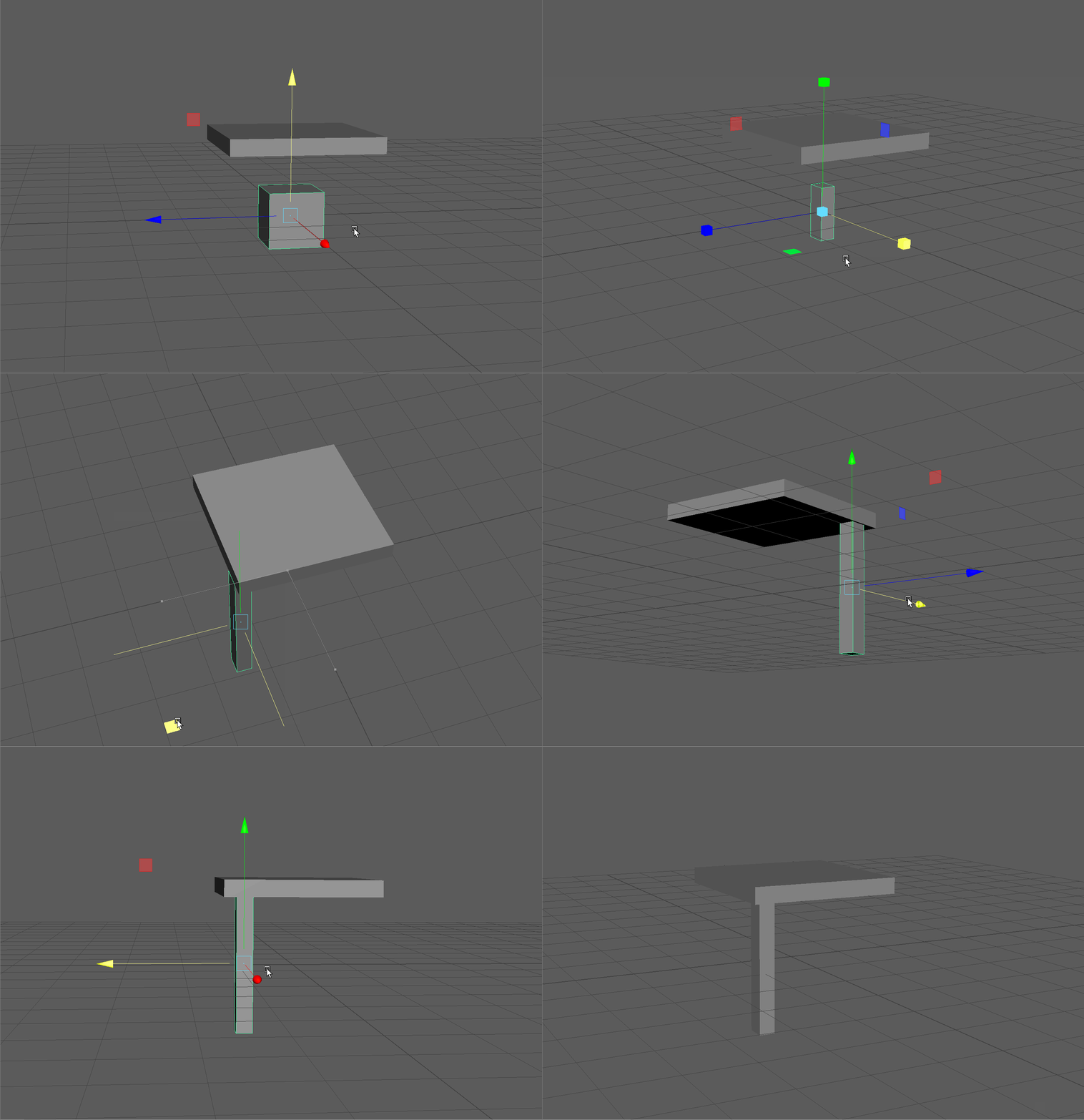
- Let's create a new cube using our Poly Modeling Shelf and name it "Leg" within our Outliner.
- Scale and move your new cube to be in the position of a chair leg.
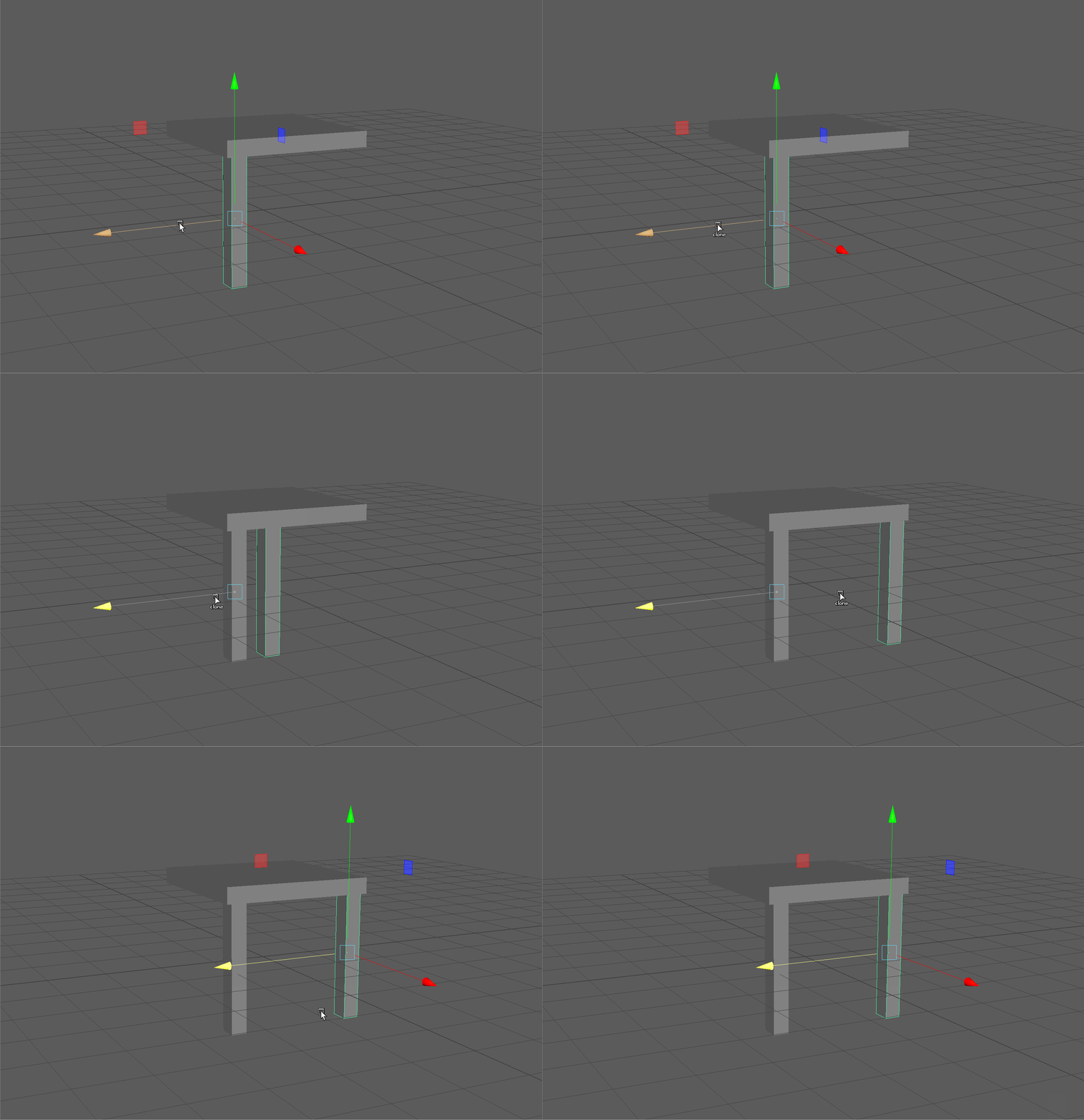
- We can now duplicate this leg. We can do this by clicking on our leg, activating the Move tool with the W Key and then holding Shift and dragging on an axis.
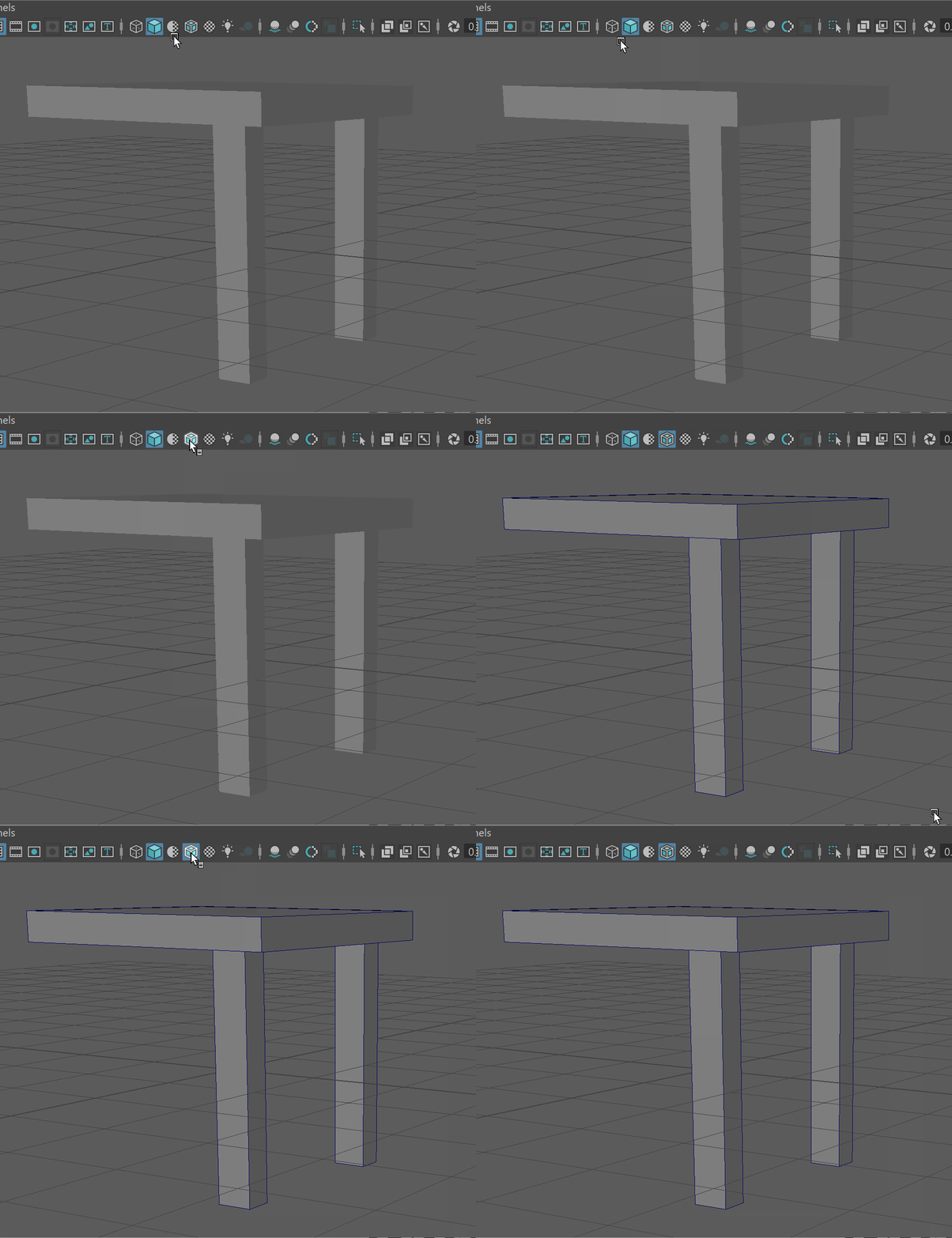
- You might now notice it is hard to see the edges of your different objects. In our view panel, we can display the edges of our model. This is the "wire frame on shaded" view mode.
- Now let's use another method of duplication or cloning for our legs. Click and then Shift+Click on the other leg.
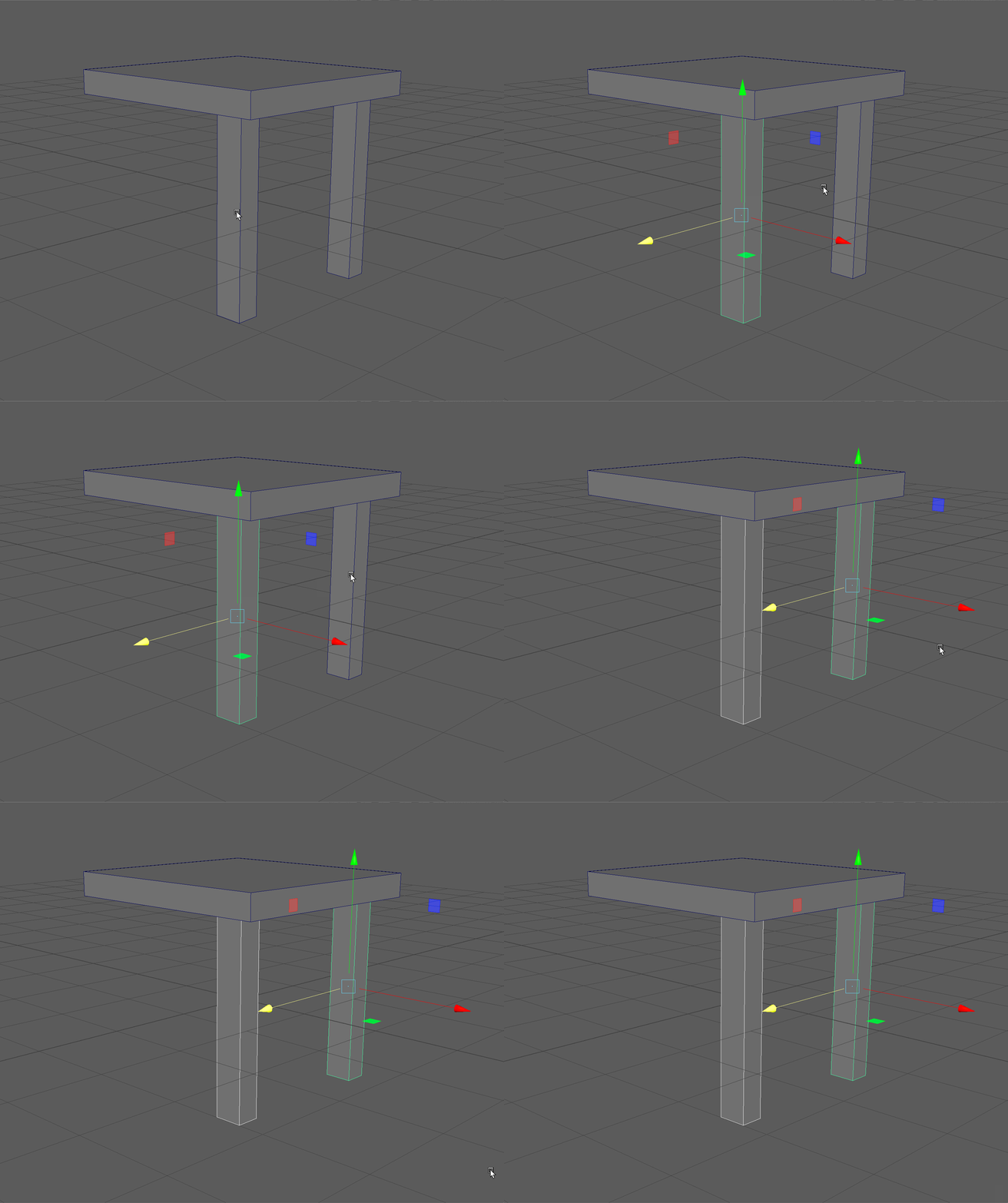
UI TIP: You can use Shift + Click to add objects to your selection. You can also use Ctrl+Click to remove objects from your current selection. - Then press Ctrl+D on your keyboard to duplicate the two models and drag them over to the correct position.
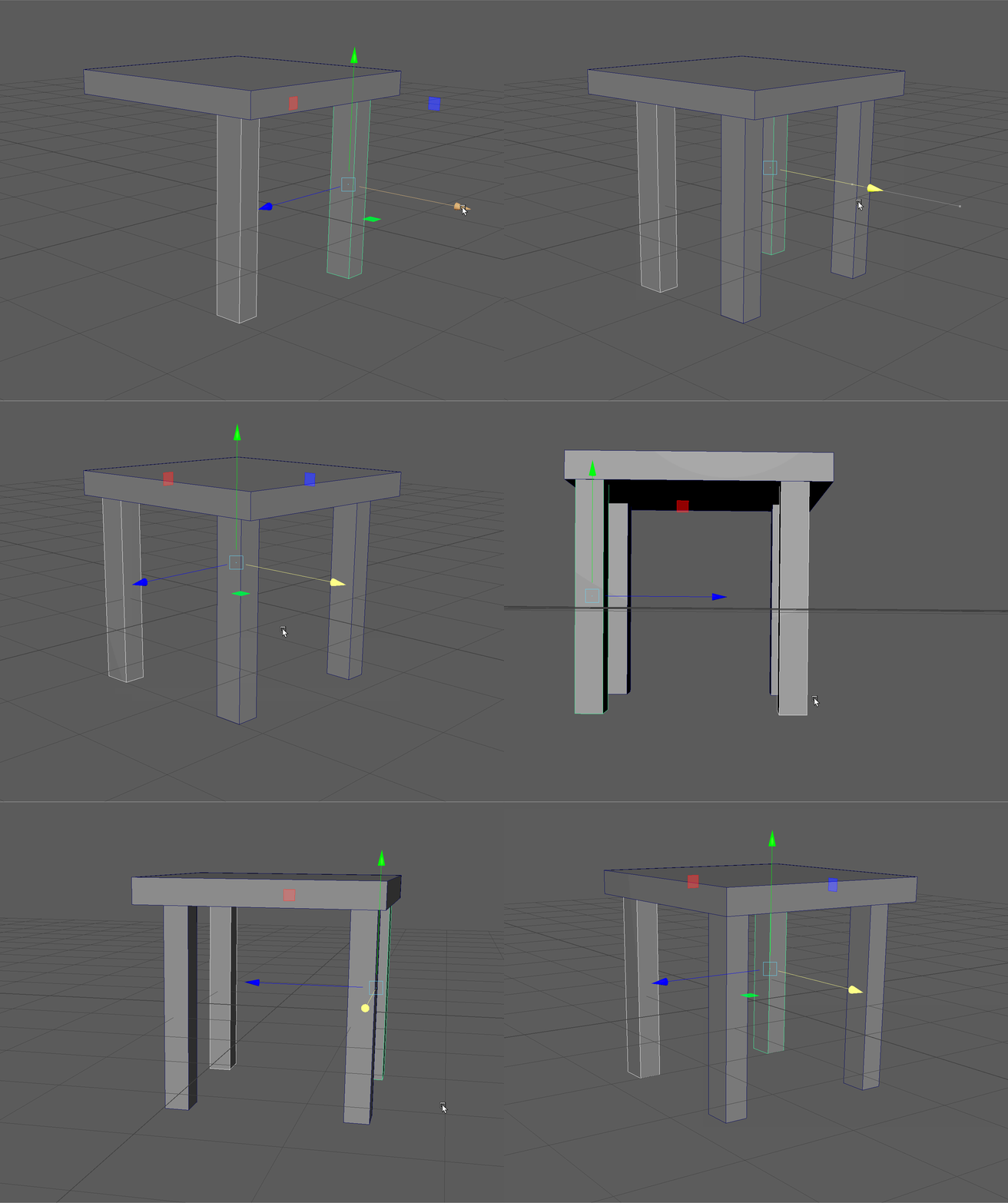
- Finally, lets click on our base, press Ctrl+D to duplicate it. Than Rotate it while holding the J Key to snap it 90 Degrees before moving it to the back of our chair.