Complete a Cube
Let's put what we've learned so far to the test by using two sides of a cube to make a complete cube.
- Enter Edge selection mode and extrude and snap edges to make a full cube.
UI TIP: When extruding using the Shift hot key, you can also hold a snapping too, such as V for vertex to extrude and snap.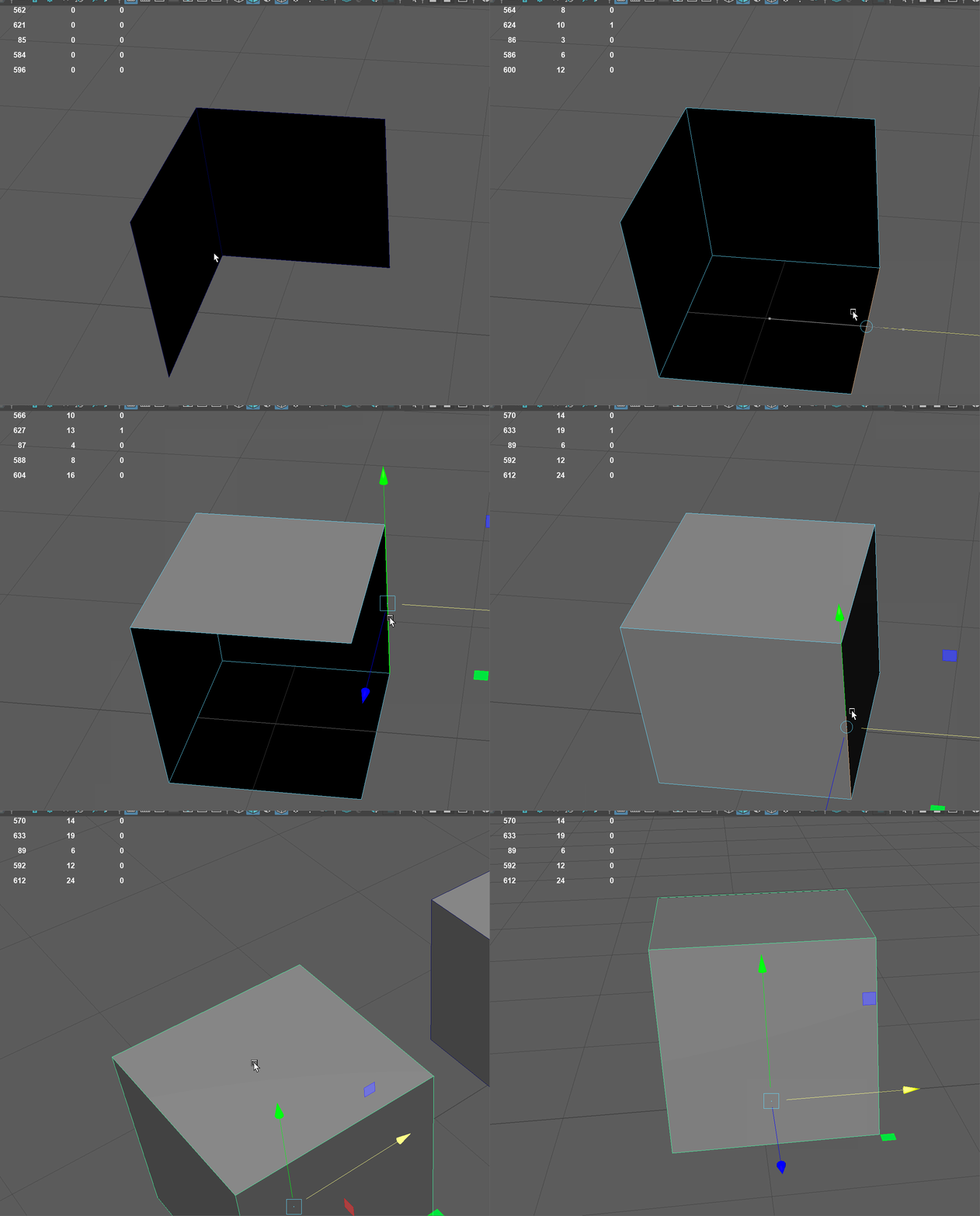
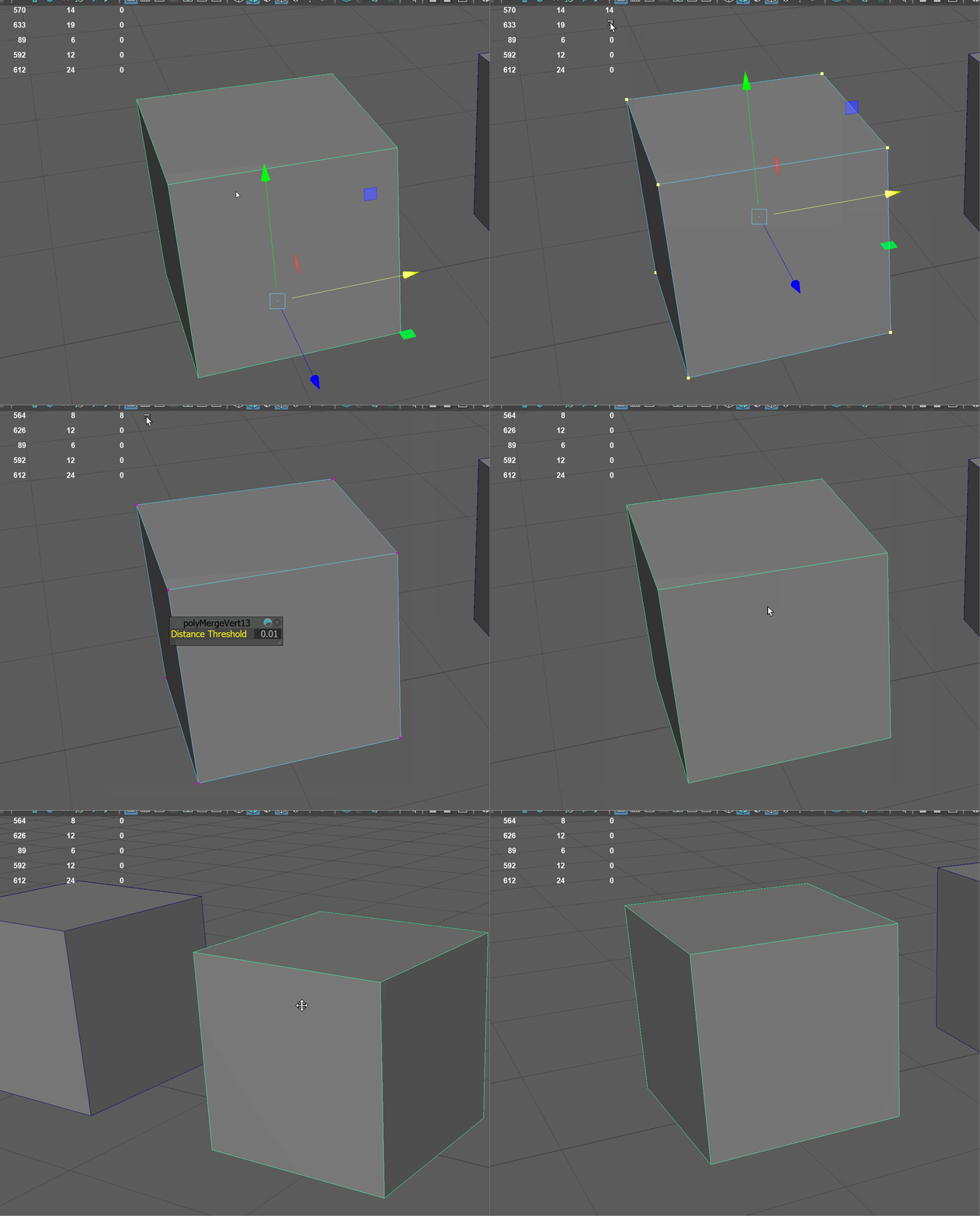
- Enter Vertex mode and use the Merge Vertex tool to merge all the vertices together. We may have forgotten which vertices are not merged, so we can select all of them using box selection.
UI TIP: Box selection will select all vertices in its range, even those that are on the back of our model we can't see.