4a. Polaroid Boolean
Description
When learning to model more complex objects, its a good practice to try to recreate models made by other 3D artists. For this exercise, we'll be modeling the back part of this polaroid camera:

Original Polaroid, Spirit 600 (wikimedia.org)
Tutorial
- Create a plane > Subdivisions Width = 1 > Subdivisions Height = 1
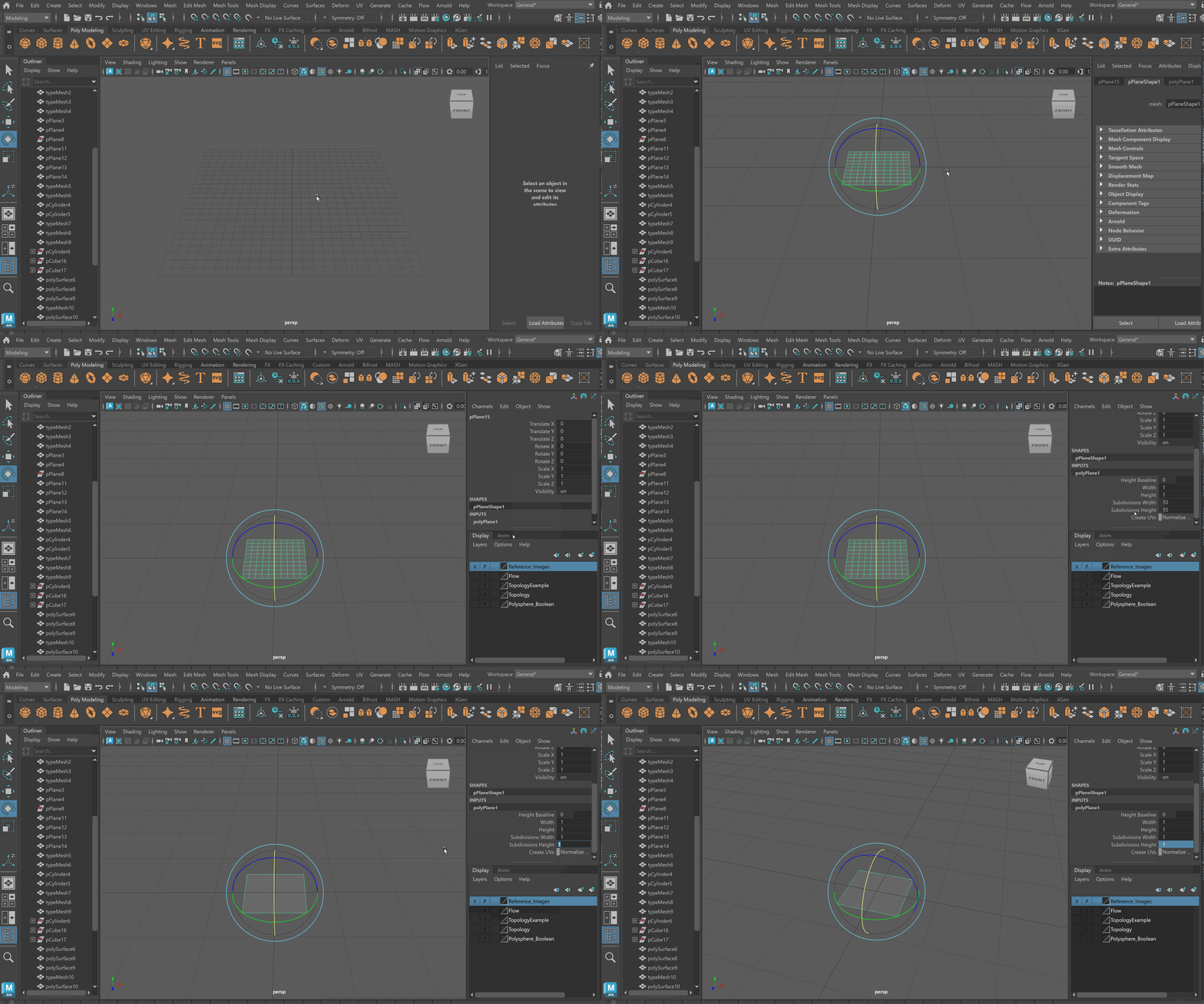
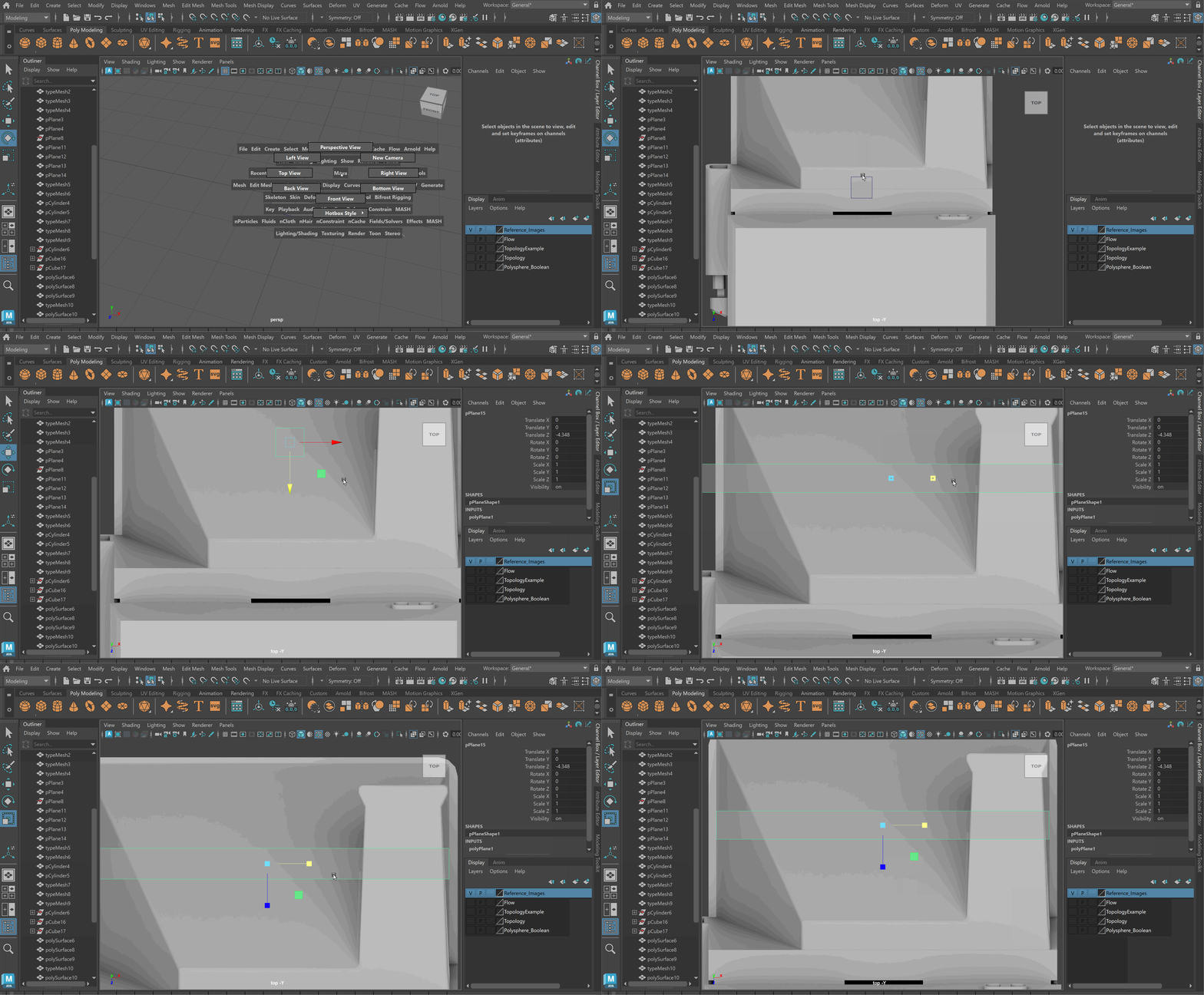
- Scale plane to be width of back pack of Polaroid
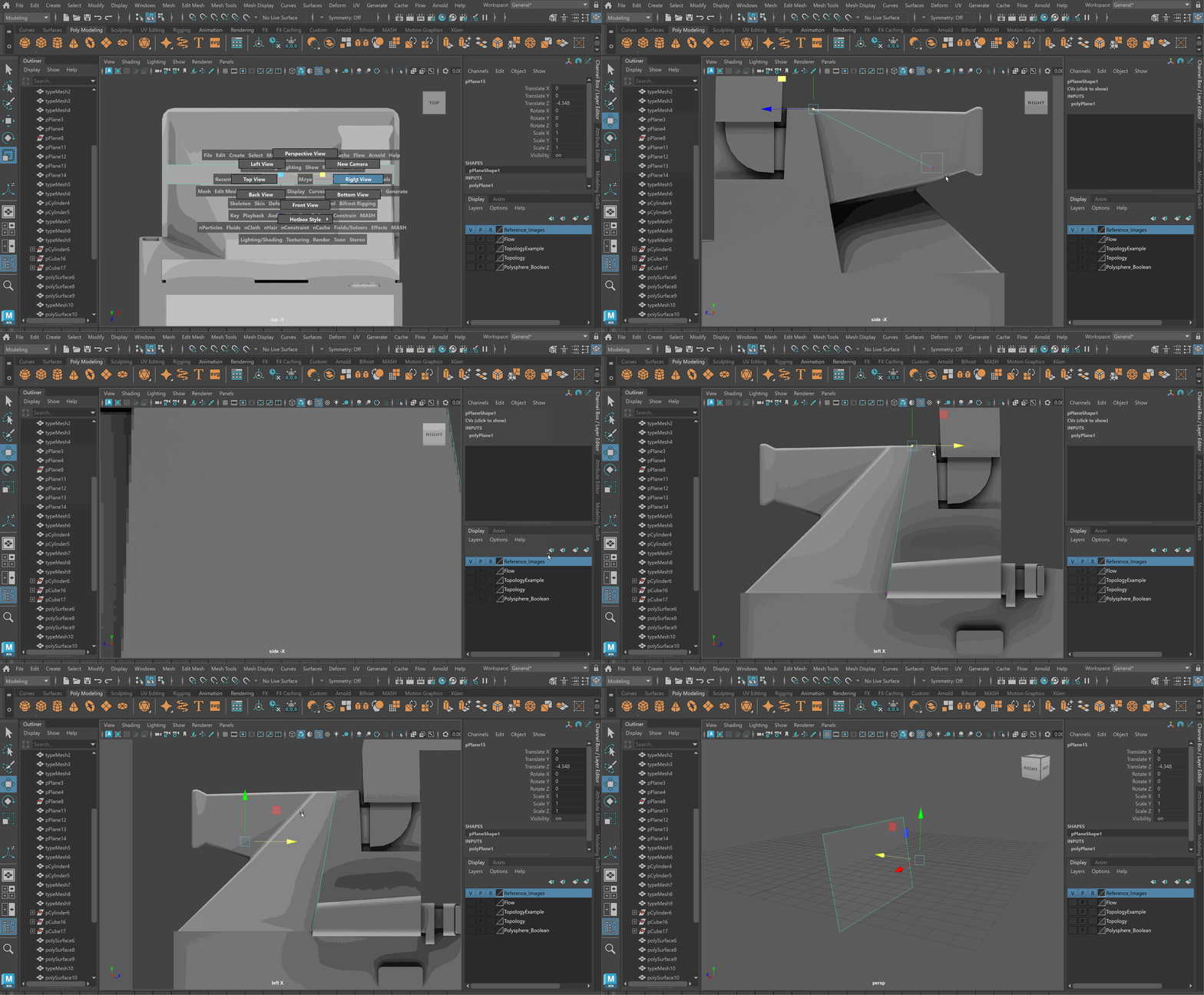
- Move vertices of plane to be aligned with back part of Polaroid
- Rename plane to “Polaroid Back” > Duplicate plane with Ctrl + D > Rename new plane “Polaroid View Finder” > use Ctrl+H to hide the view finder
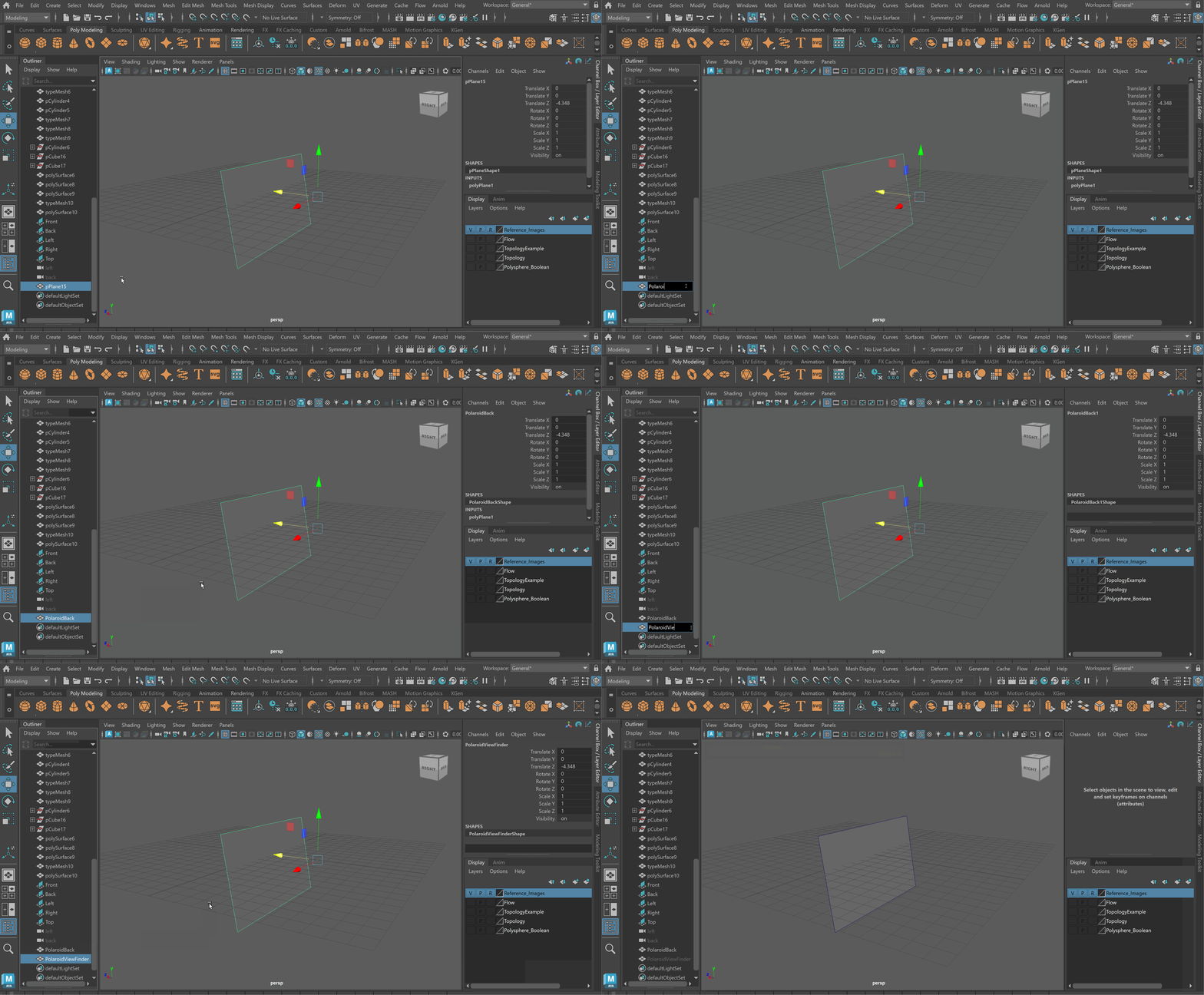
- Extrude the plane > snap and scale to match the reference
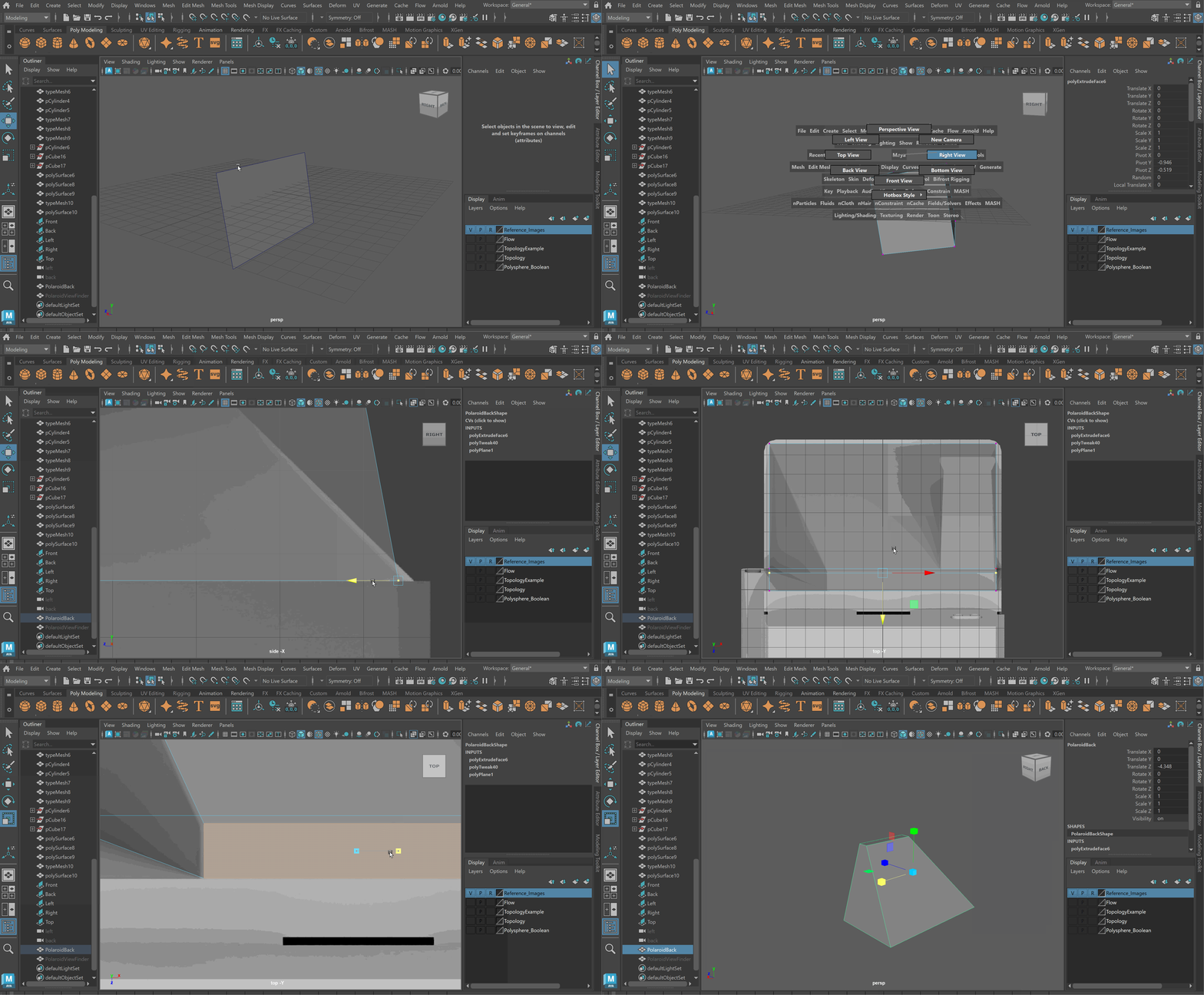
- Use Shift+H with View Finder selected to un-hide it
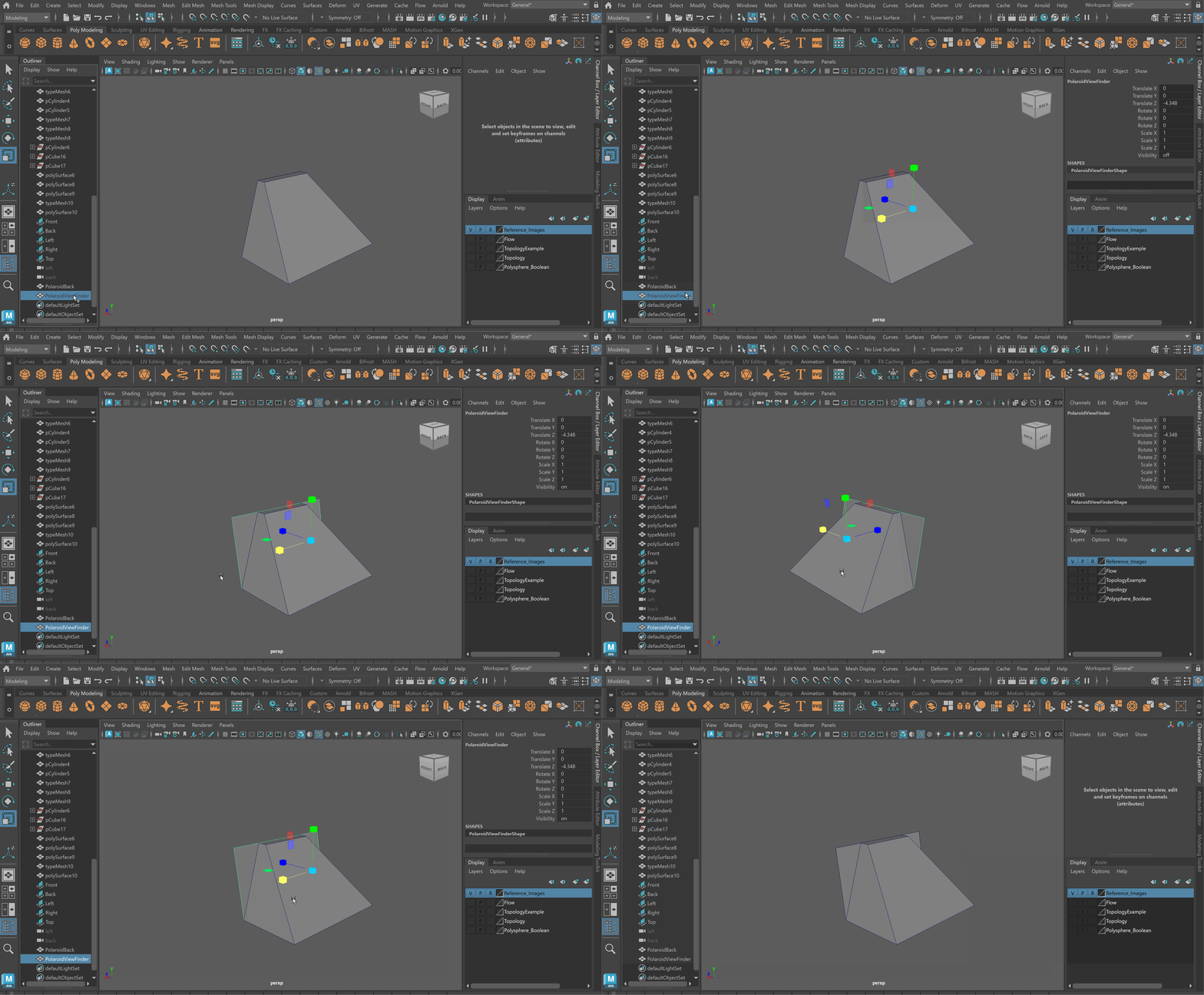
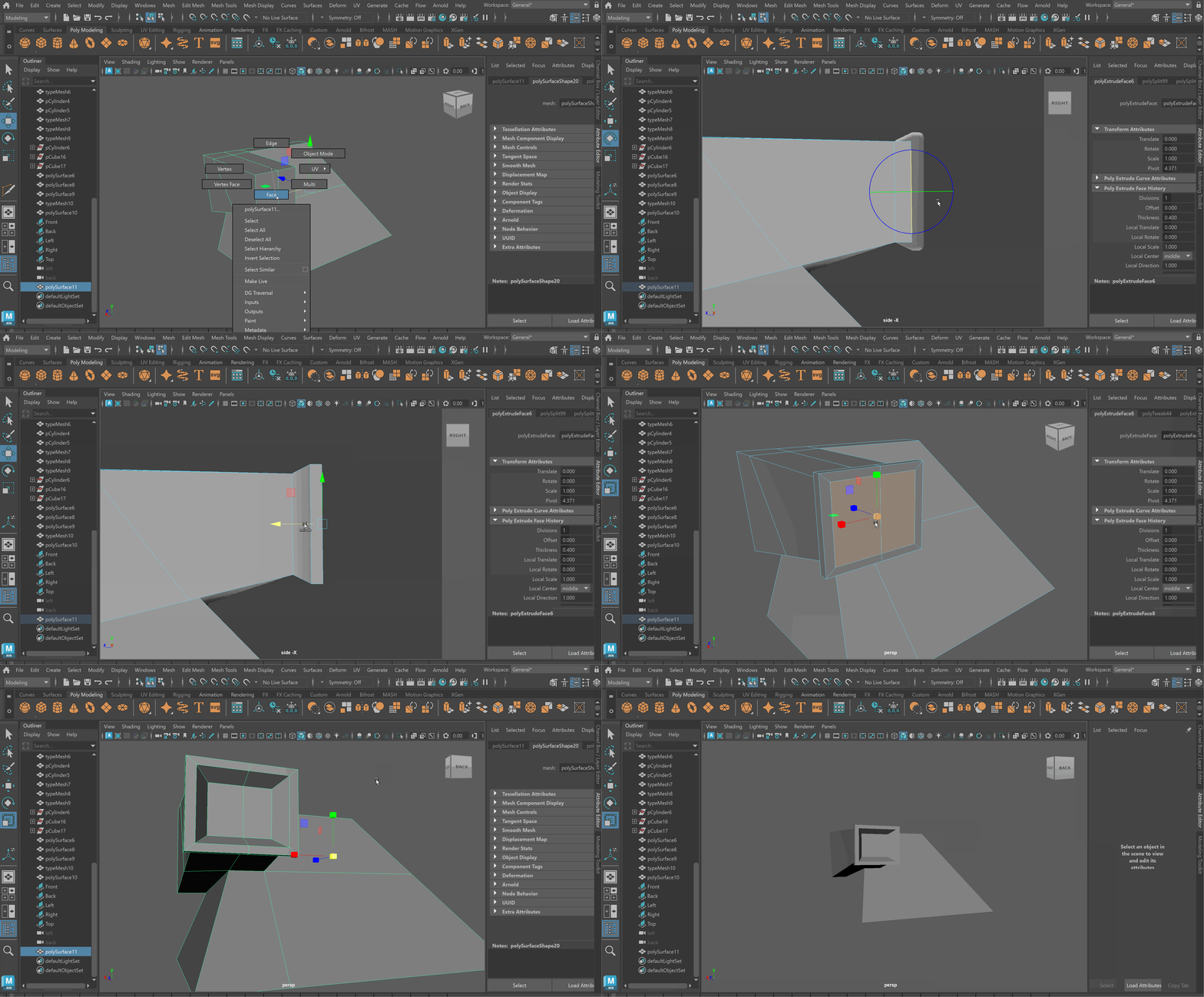
- Use the Multi-cut tool to cut bottom edge of view finder > Snap the right edge of view finder to the top of the polaroid back
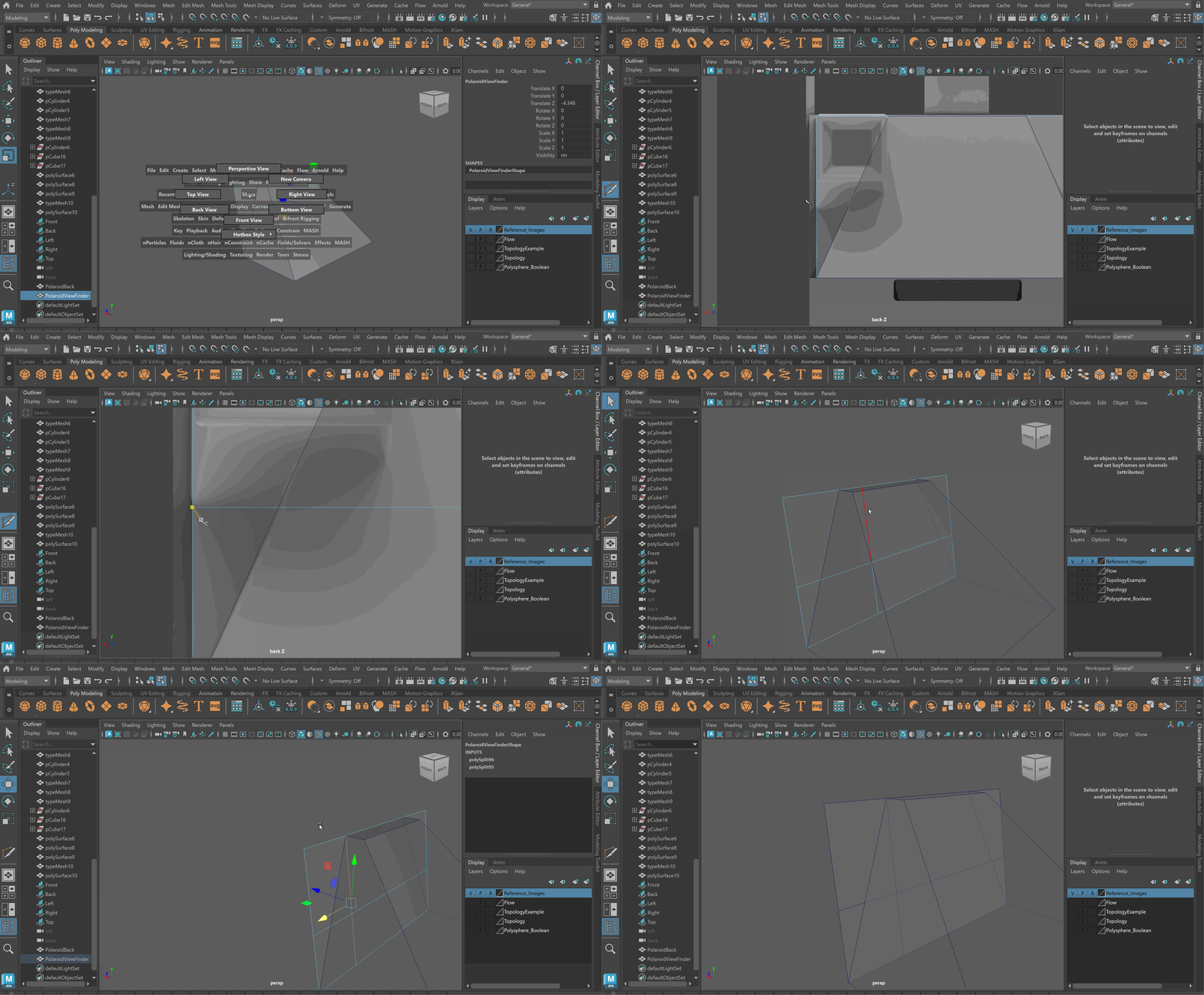
- Delete all faces except for top left corner
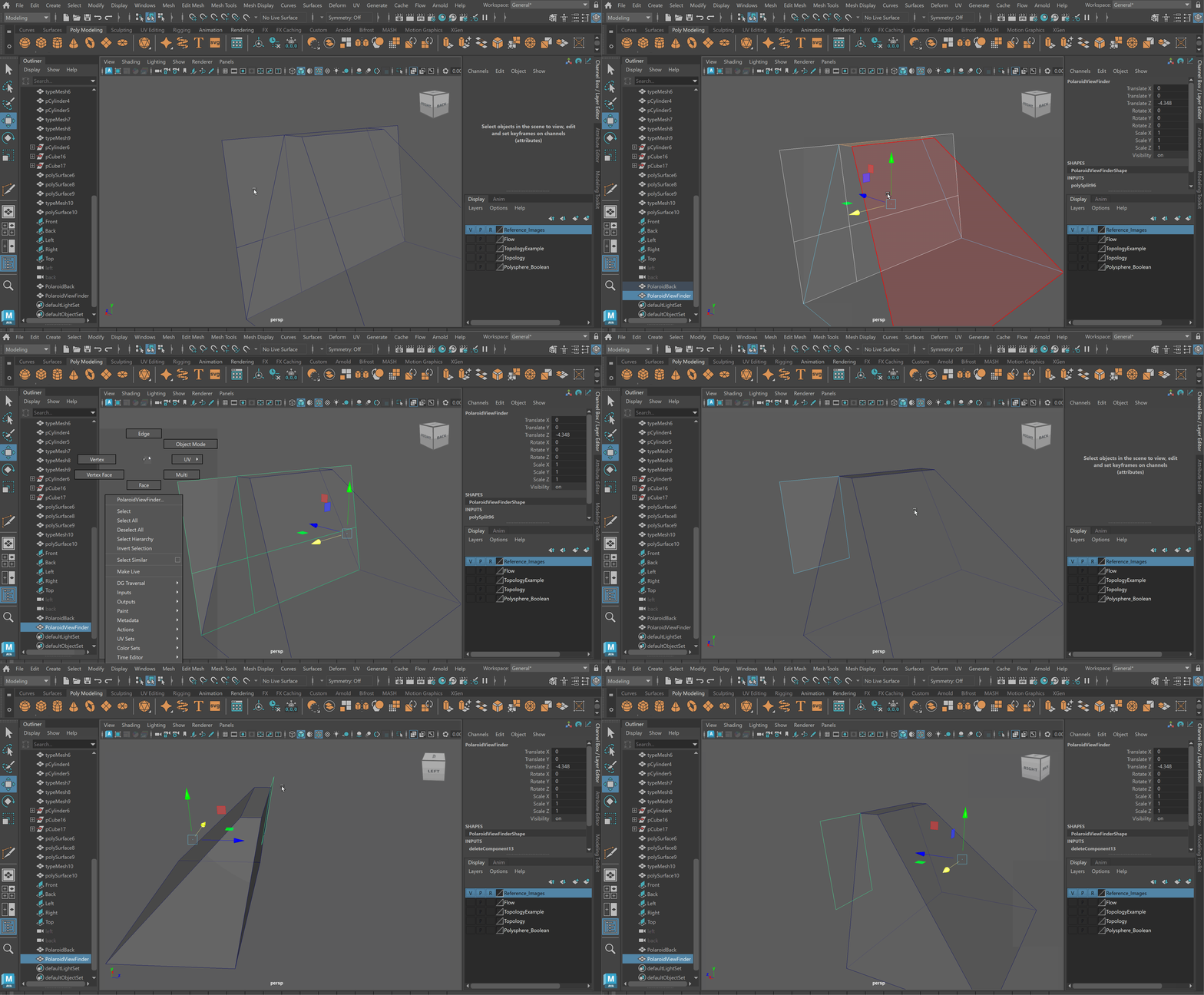
- Extrude View Finder to match reference
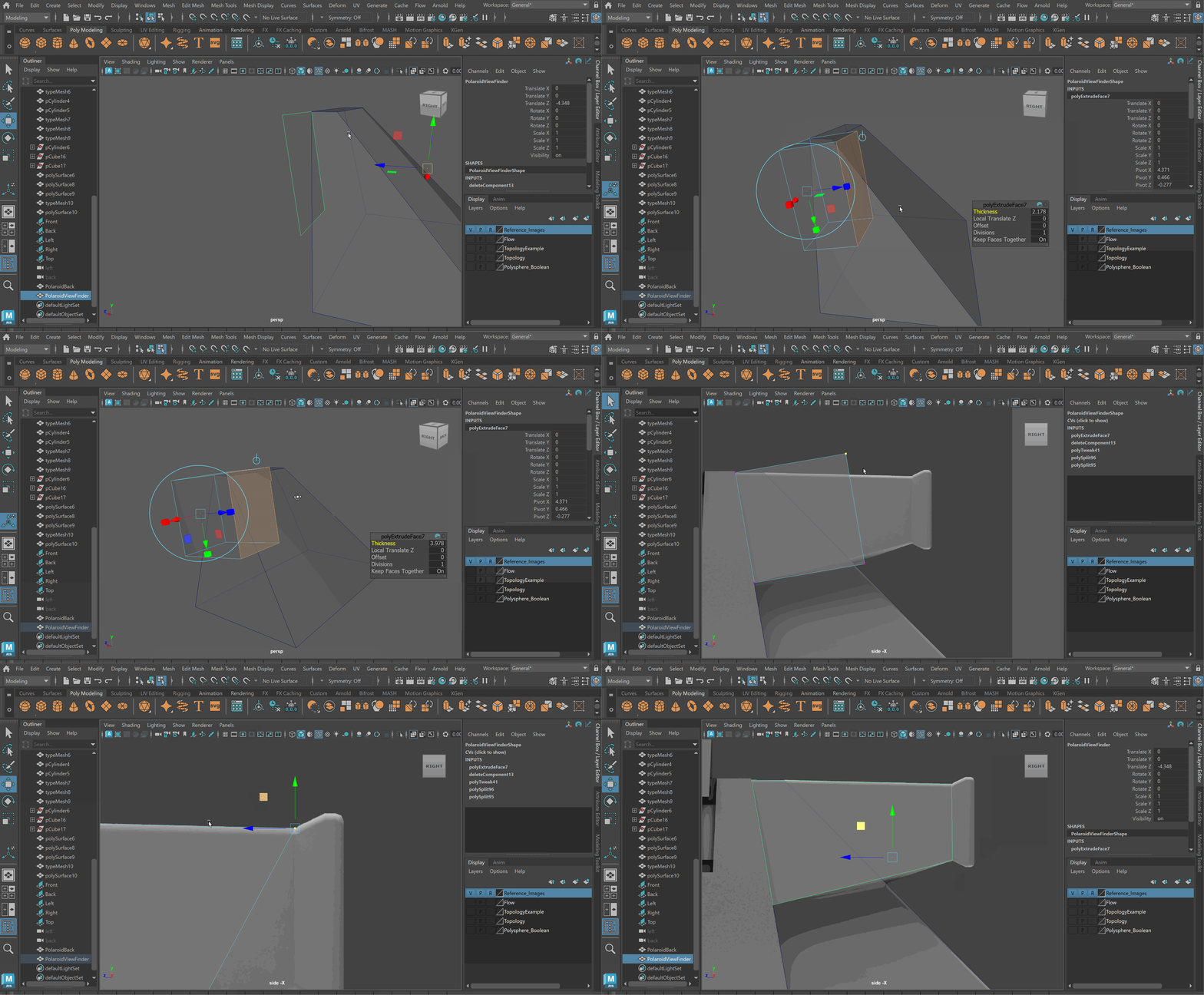
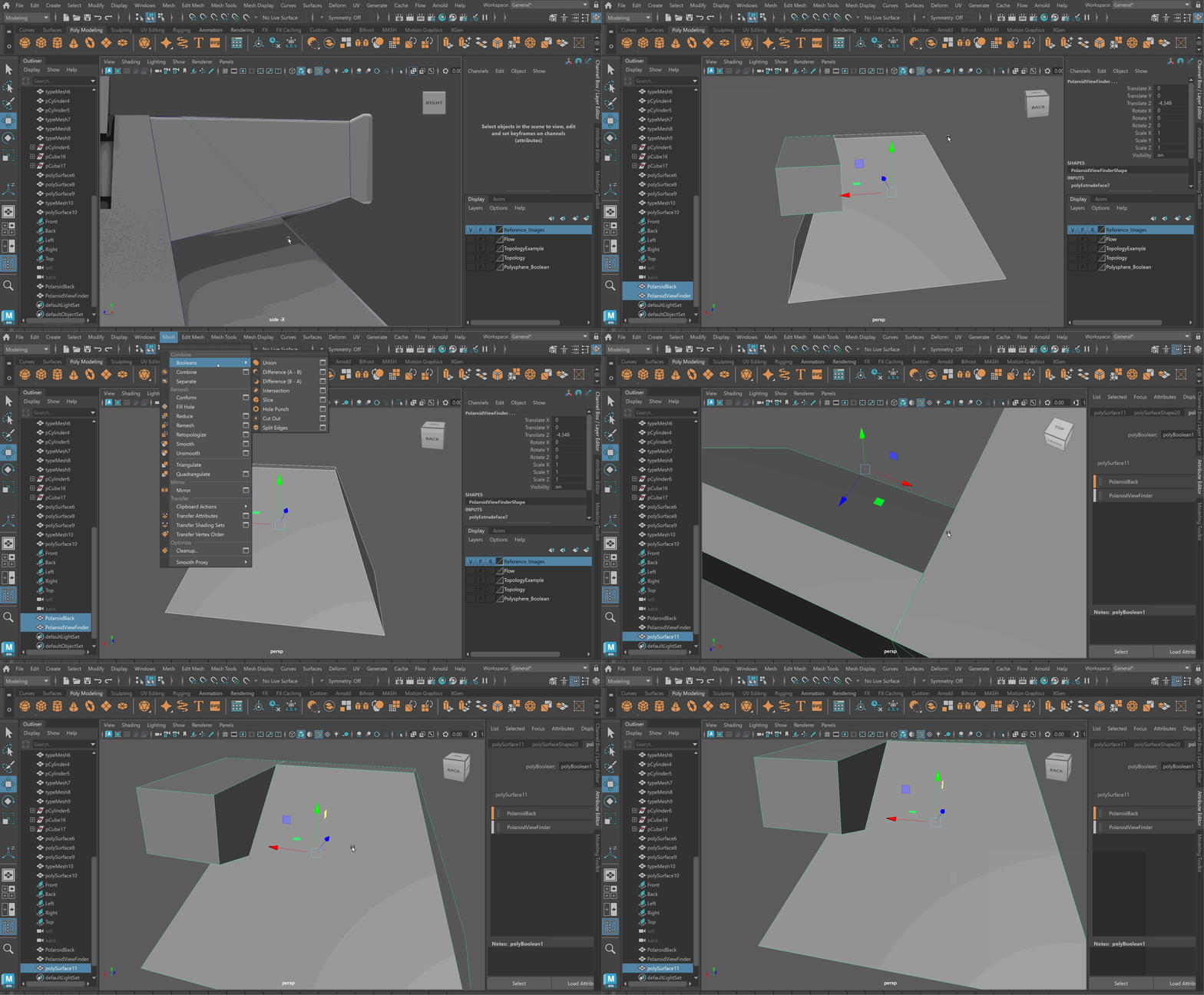
- Boolean Union the Polaroid Back and the View Finder
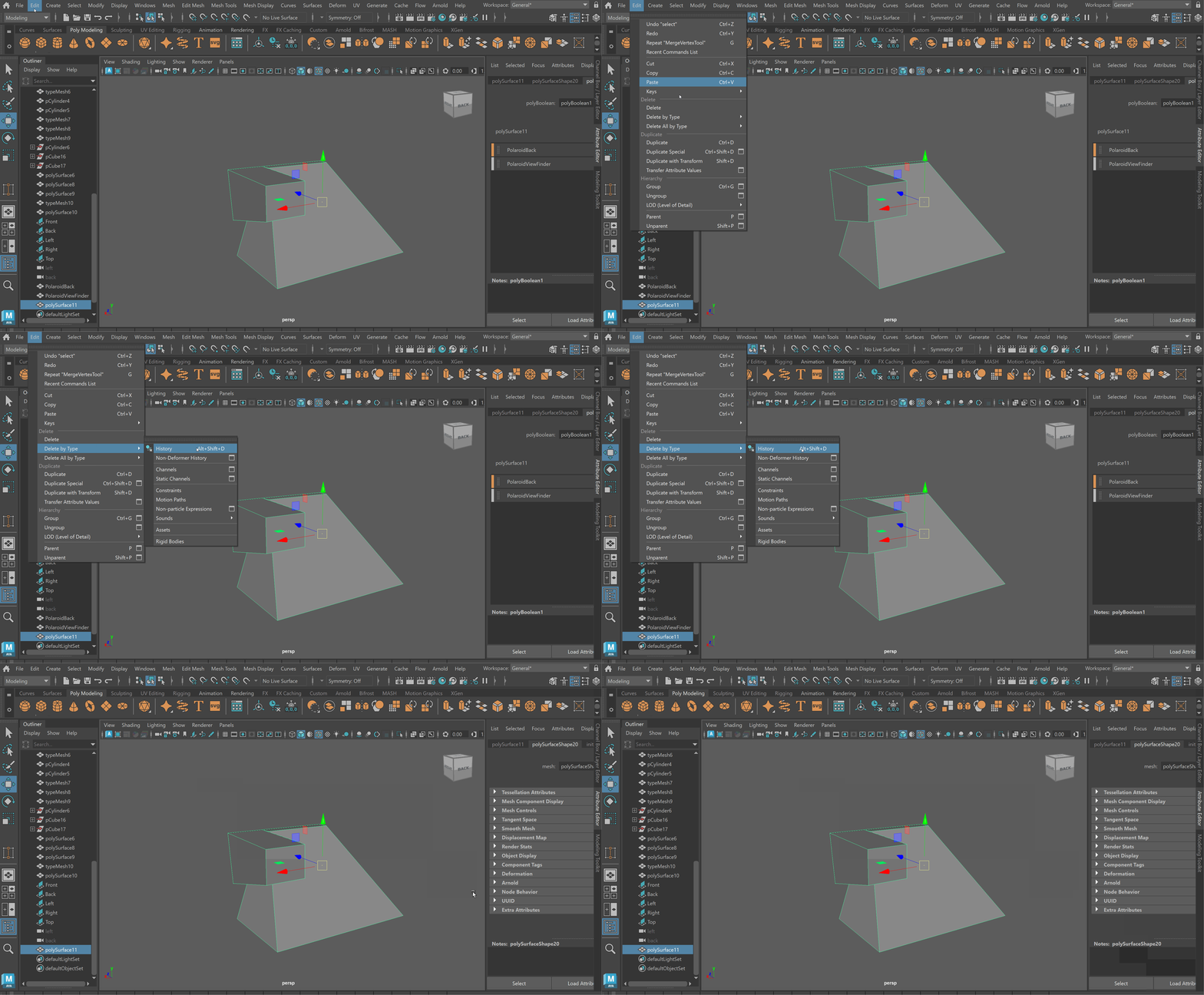
- Delete History
- Use the Target Weld tool to clean up Topology
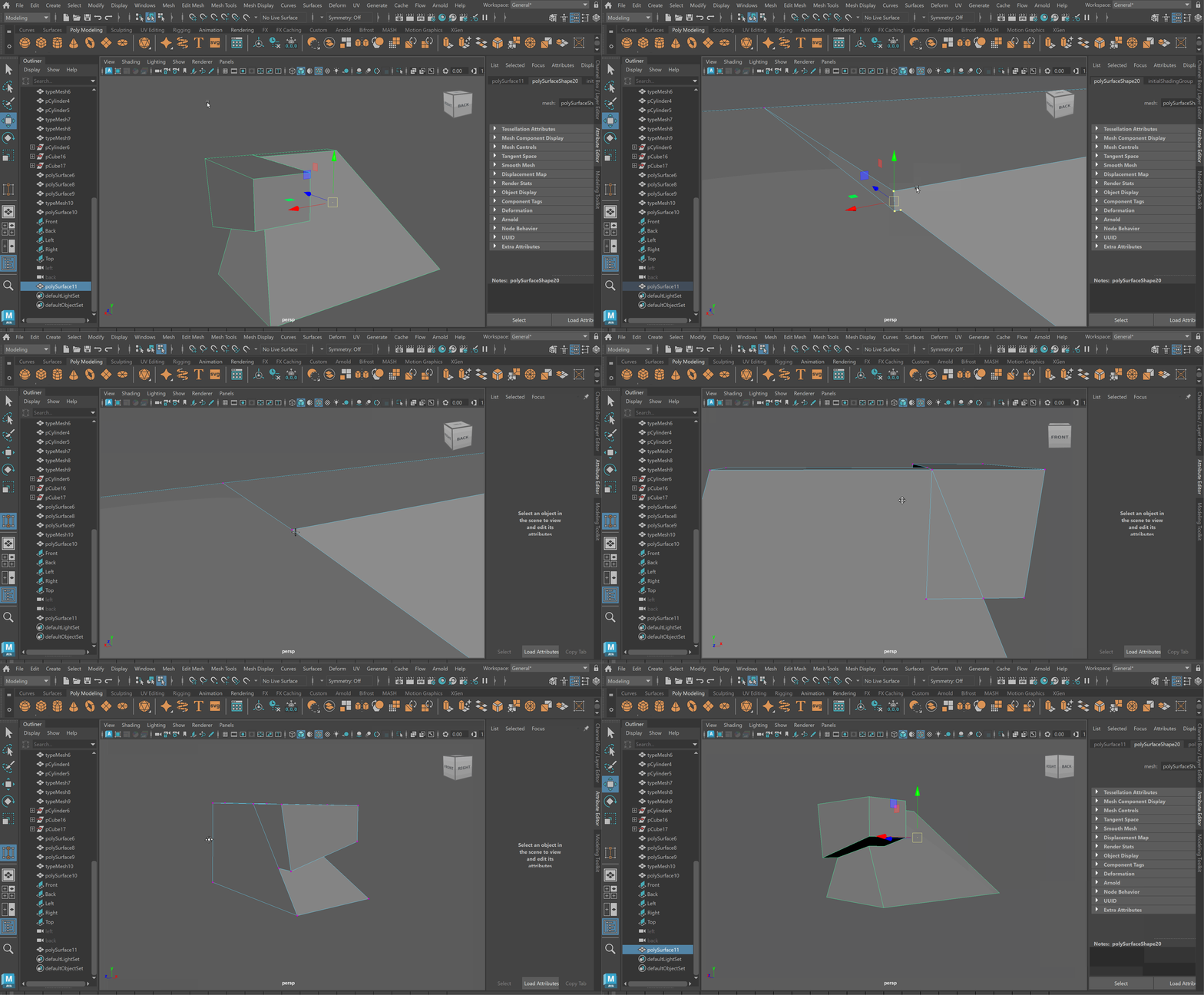
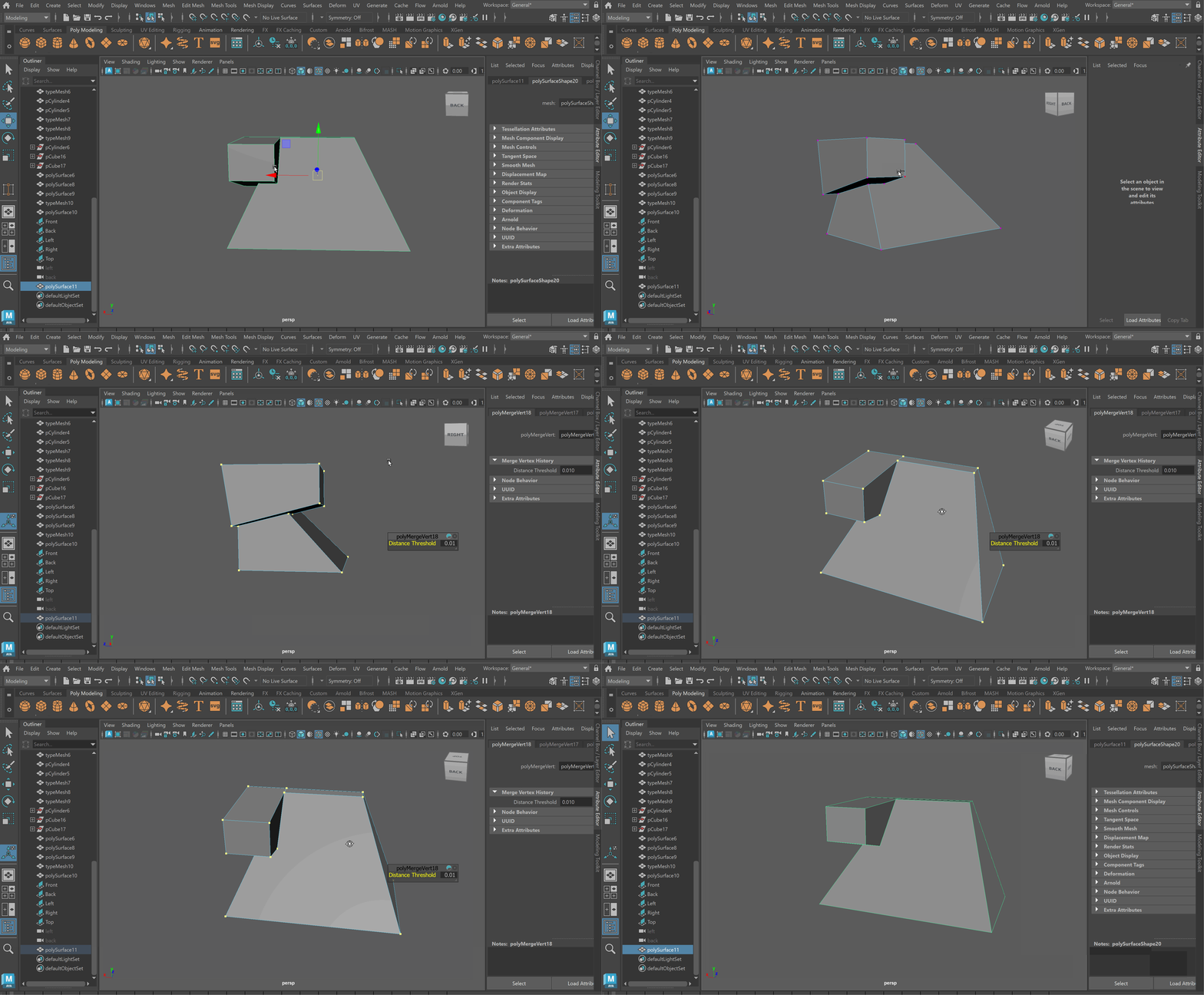
- Merge all vertices together to prevent any duplicated vertices
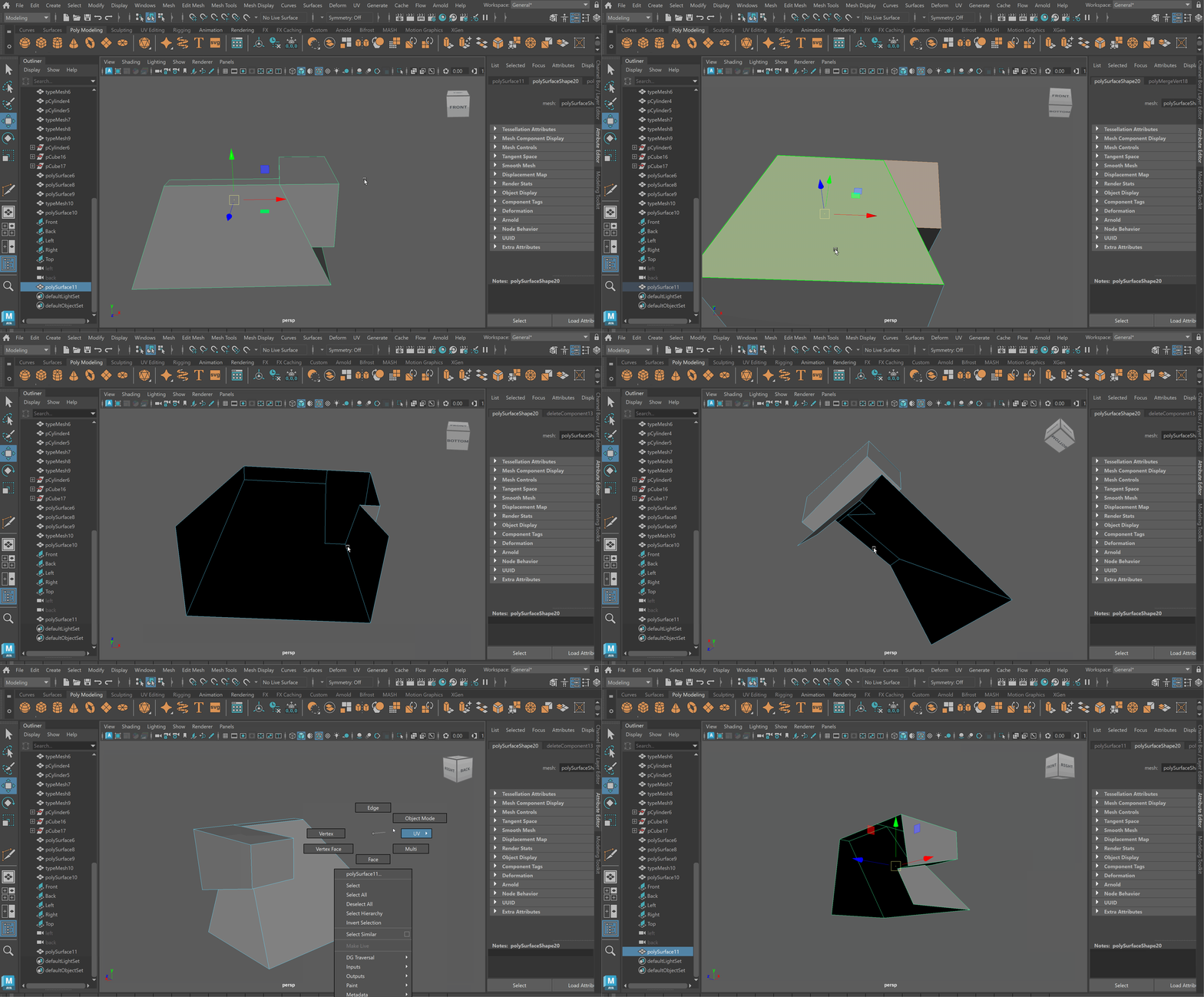
- Since we won’t see the back or bottom, delete those faces to make the clean up easier
- Using the Multi-cut tool to create quadded topology
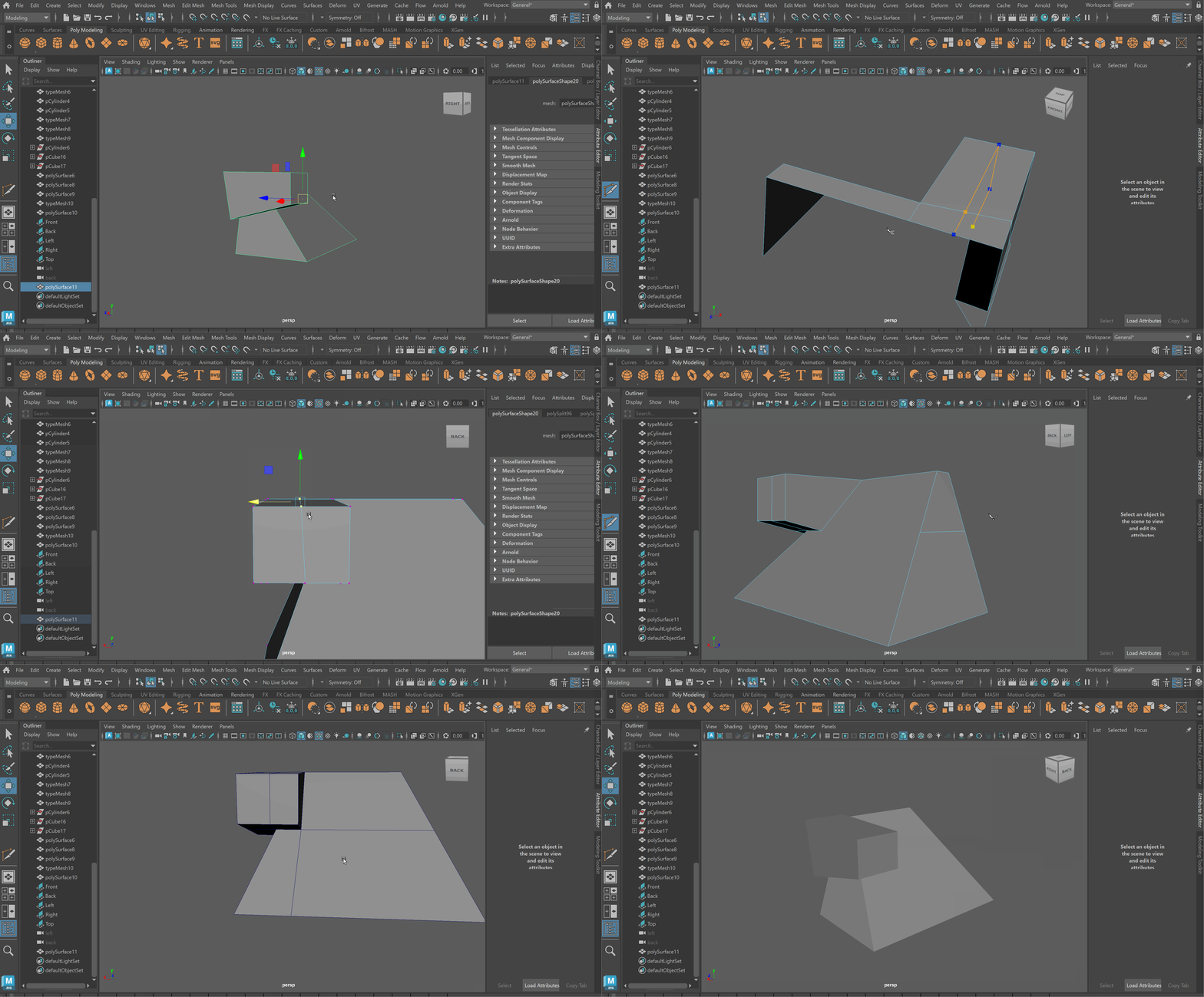
- Extrude out the Viewfinder